e-Factura
The e-invoice, without writing it twice.
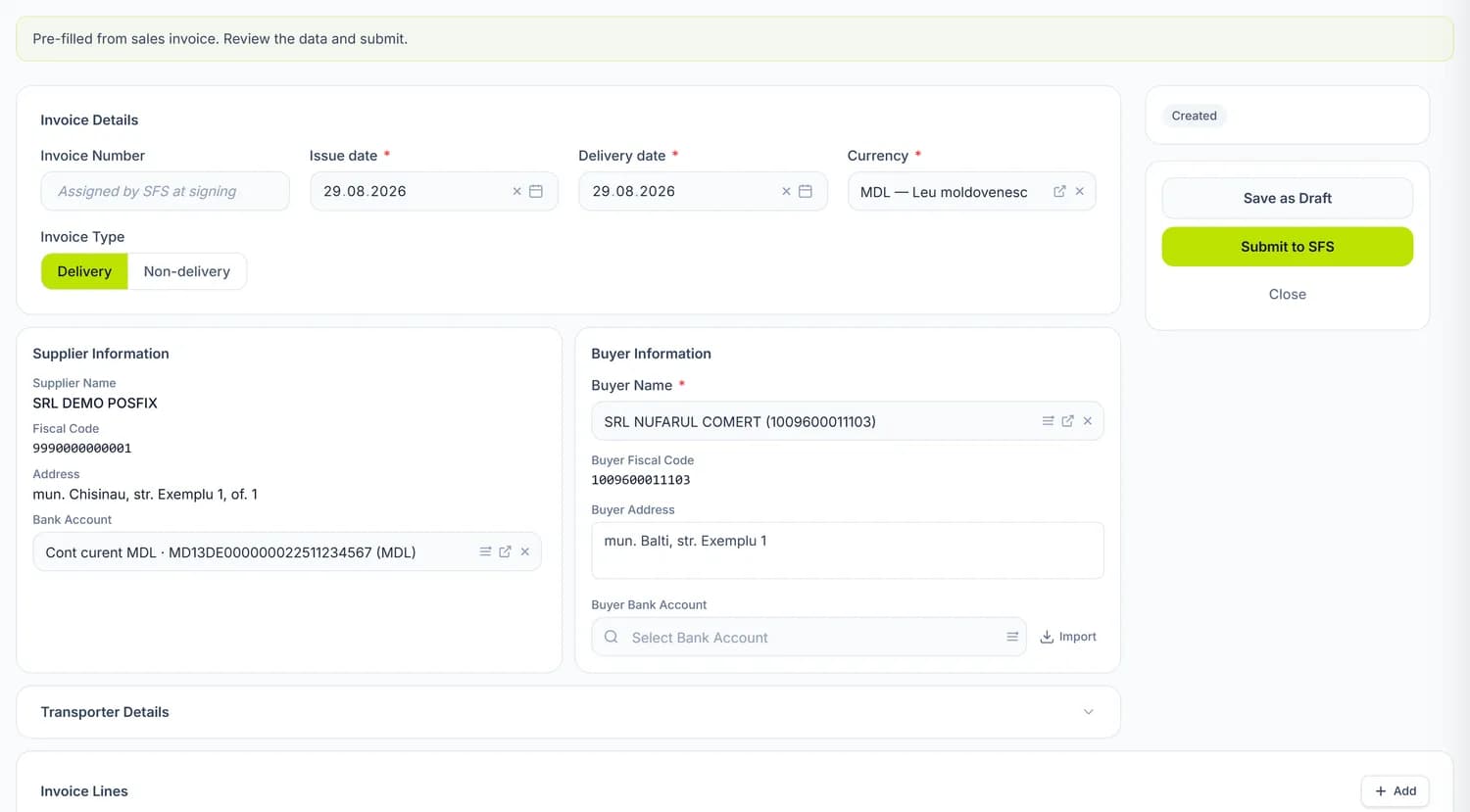
The e-Factura is filled in from the customer invoice and uploaded to the SFS in one click. You sign it on the SFS portal, and the status and fiscal number come back to the panel by themselves.

30
e-Invoices issued a month, for 150 MDL
100
e-Invoices issued a month, for 250 MDL
500
MDL a month, no invoice limit
API
The SFS connection, through your own user
Features
The whole life of an invoice, on one screen.
From the customer invoice
On the posted invoice you press “Generate E-Factura”: the data and line amounts are carried over automatically.
Status from the SFS
Syncing brings back the signing, sending, acceptance or rejection with its reason, plus each invoice's timeline.
Received invoices
Supplier invoices appear when you sync. You accept or reject them and generate the purchase invoice from them.
Supplier products, matched to yours
The lines of a received invoice are linked to your catalogue, so the goods enter stock with a cost.
Corrections
An uploaded invoice is cancelled and issued again; once accepted, you issue a correction invoice with negative values.
Analytics
How many invoices you received and issued, how many have no internal invoice yet, input and output VAT, top suppliers and products.
Setup
Connect once, with your own API user.
The panel connects to the SFS through an API user you create on the e-Factura portal. The electronic signature stays with you: the panel uploads the invoice, and you sign it on the portal.
- You create the API user yourself, on the SFS portal
- A test environment, for trials with no legal effect
- The invoice is signed on the SFS portal, with the company's signature
- The invoice goes out in lei, even if the customer invoice is in a foreign currency
The POSfix team helps you
Let's launch
your business on POSfix together.
The first 14 days are free, with no contract. We show you how things work, help you set up and stay by your side afterwards.