Industry modules
Grocery · Minimarket · Corner shop
A minimarket with a moving queue, scales on the Windows till and expiry dates in sight
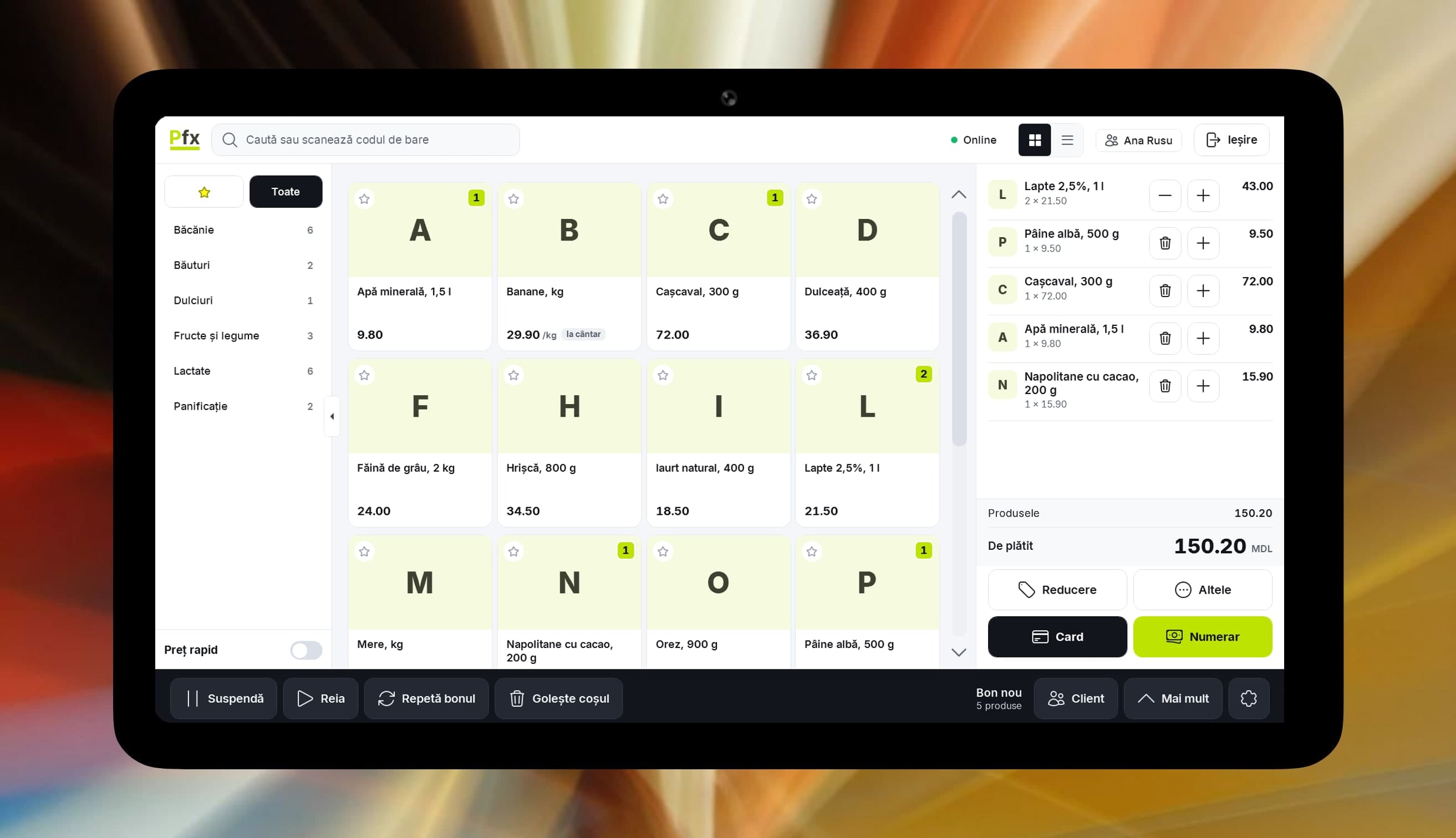
What gets in the way at the shelf and the till.
A queue at the till at five o’clock
Scan the barcode and the item is on the receipt. Items without a code are found by name or article number. The receipt goes to SFS at payment.
Cheese weighed, then mistyped
On the Windows POS the weight comes straight from the CAS PR-II scale, with tare. On the Android POS you type the quantity on the line.
Yogurt expiring at the back of the shelf
The batches-close-to-expiry screen and a daily email digest tell you what to move first. Stock goes out from the batches that expire soonest.
Supplier delivered, you retype the invoice
An invoice received through e-Factura becomes a draft supplier invoice. Check it and tick that it includes the goods receipt if the stock comes in on it.
Out of water on a Friday night
The “What to order” list works from daily sales, minimum stock and what is already on order, so you see it before the shelf runs empty.
Pastries unsold by evening
Set a discount on a category that starts at a given hour. The POS applies it by itself, so the cashier has nothing to remember.
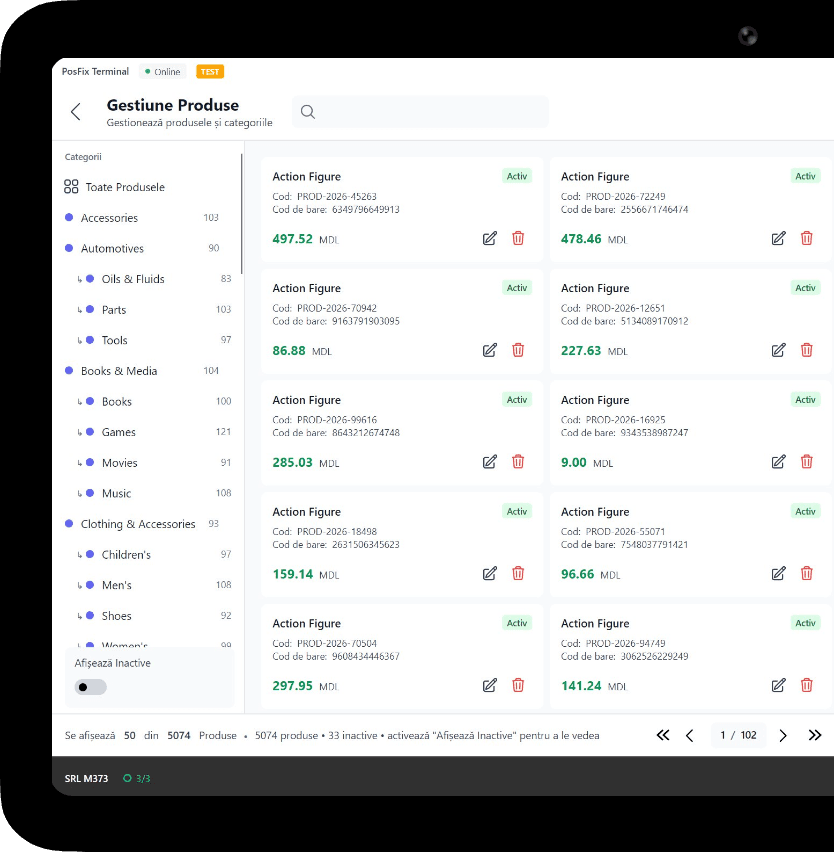
What you use in a grocery store
1 of 6
Fiscal POS
Scanning, selling by weight, cash, card, MIA QR and split payment. The scale connects to the Windows POS.
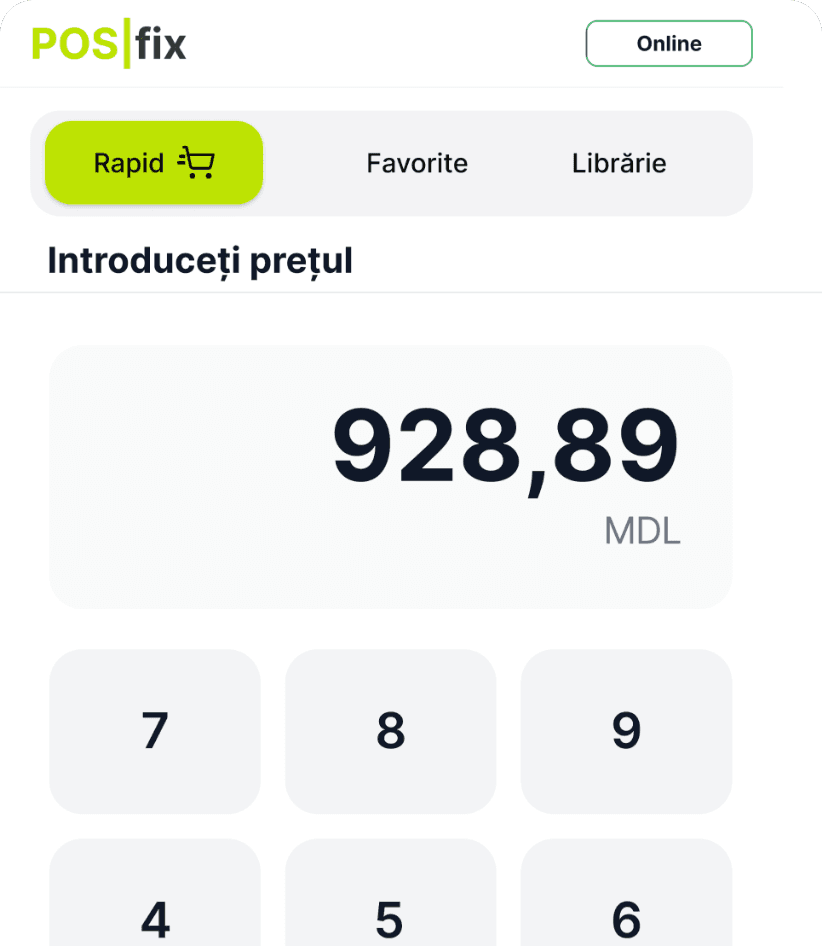
You only pay as you grow.
You only pay for what you use.
From 69 MDL/month
up to 1,500 receipts a month; over 50 items or 2 cashiers costs extra
Start for freeWork out the cost for your businessPick the tiers you need and turn on only the modules you use. No hidden costs, no fixed bundle — you pay as your business grows.
Example modules
Inventory management
+350 MDL/month
Accounting software
+350 MDL/month
e-Factura
from 150 MDL/month
Loyalty
+150 MDL/month
HR & payroll
included in Accounting software
Frequently asked questions
Can I connect a scale to the POS?
Yes, on the Windows POS: the CAS PR-II scale shows the weight on screen, with tare, and the receipt gets exactly what was weighed. On the Android POS you type the quantity on the line.
How do I know in time which goods are expiring?
In the morning, open the batches-close-to-expiry screen or read the email digest, both with Inventory management. What should move faster goes to the front or on discount.
How do goods from e-Factura enter stock?
The invoice you receive becomes a draft supplier invoice. Tick that it includes the goods receipt if the stock comes in on it, or link it to goods receipts you have already made.
What backup internet do I need at the till?
The receipt goes to SFS at payment, so selling resumes when the connection is back. Keep a second connection handy, for example from a phone.
The POSfix team helps you
Let's launch
your business on POSfix together.
The first 14 days are free, with no contract. We show you how things work, help you set up and stay by your side afterwards.