Industry modules
Dental practices · Dental clinics · Dental technicians
Dental practice: the patient's receipt, advances, materials and payroll
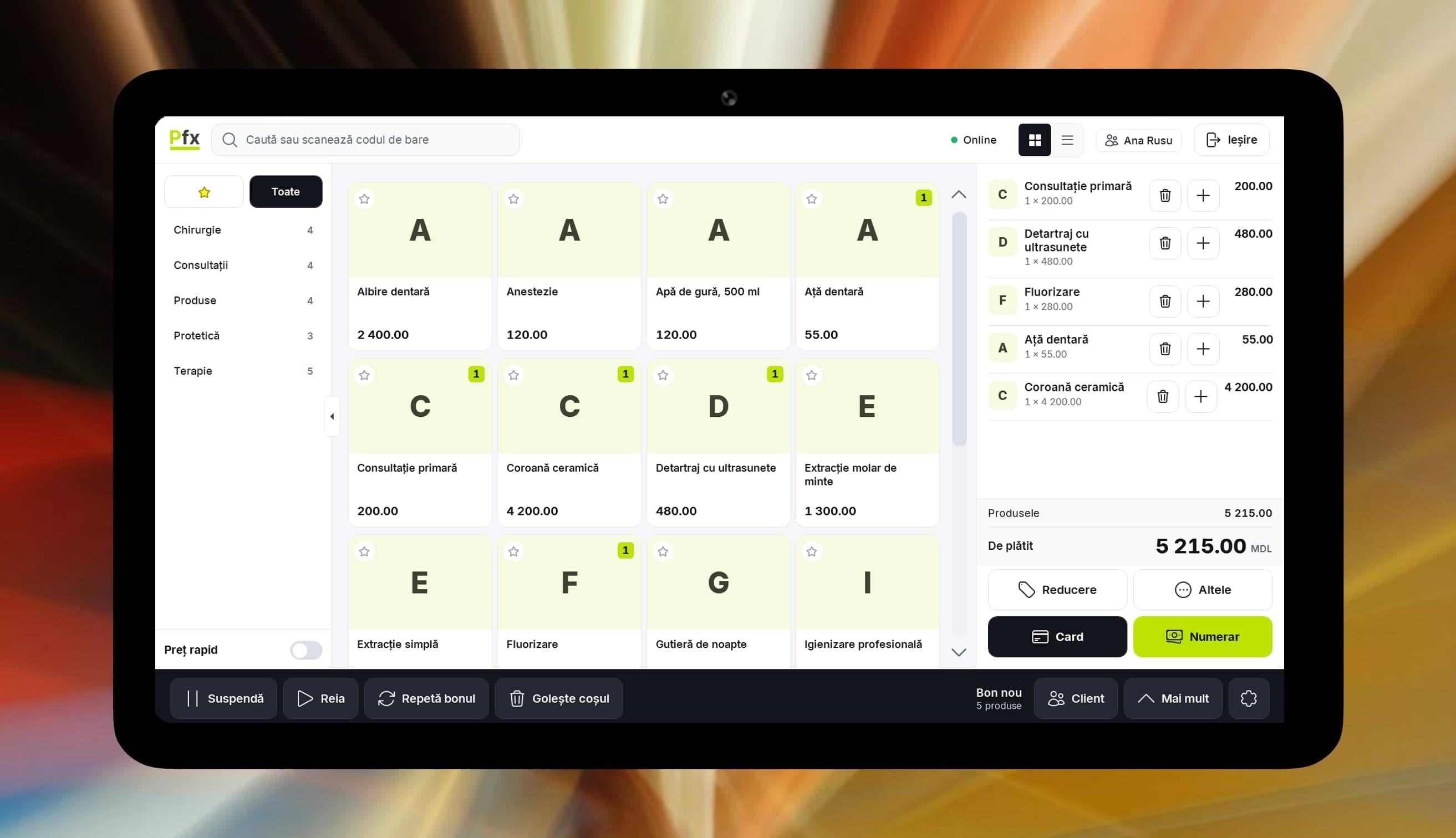
What you sort out at the front desk.
Every patient, a different amount
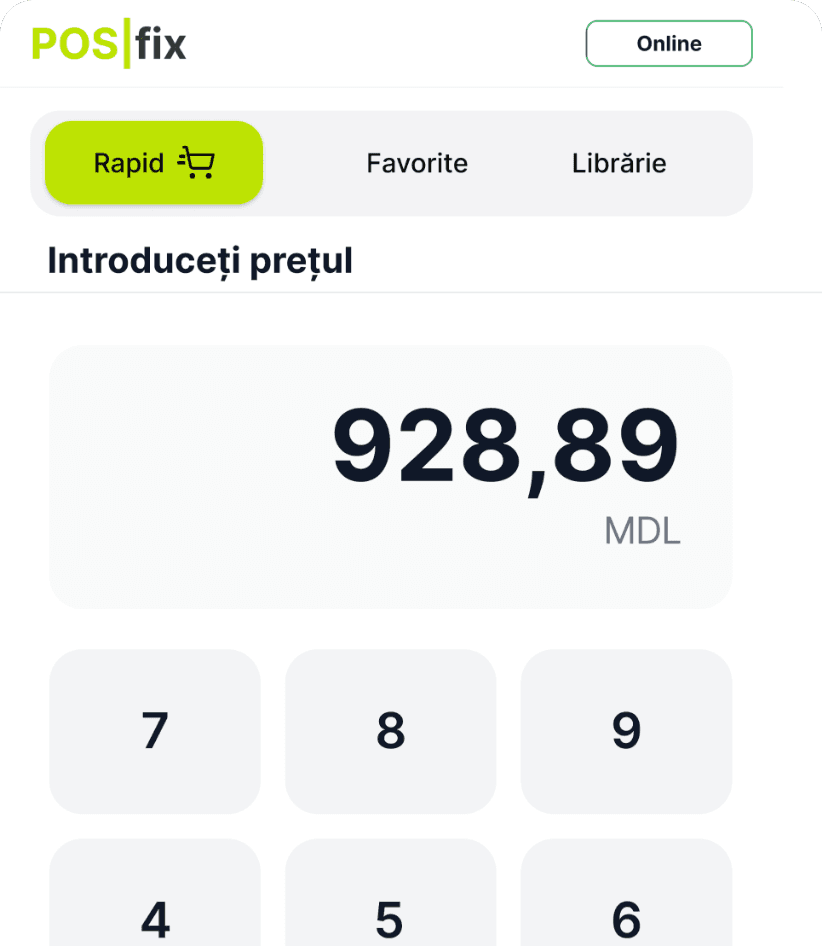
Type the amount agreed in the surgery, tap the service and take payment. Quick price works on the Windows and Android tills, with the right given to reception only.
Long job, payment in two steps
The patient leaves an advance for lab work and gets a fiscal receipt. When the work is ready, find the open order and collect the rest.
Anaesthetic runs out without warning
Set a minimum stock on the materials your day depends on. An email lists what fell below it, and “What to order” works out what to ask the supplier for.
Dated materials forgotten in a cupboard
Mark a material as perishable and enter its shelf life. The batches-near-expiry screen and a daily email digest show you what expires soon.
A company pays for its employee
Issue the company's invoice from the panel, with the service act beside it. With the e-Factura module you send it to SFS from there and sign it in the SFS portal.
Salaries worked out in a notebook
Doctors, assistants, reception: the monthly timesheet and pay run in Accounting software, bonuses go on a document, and your accountant works in the same account.
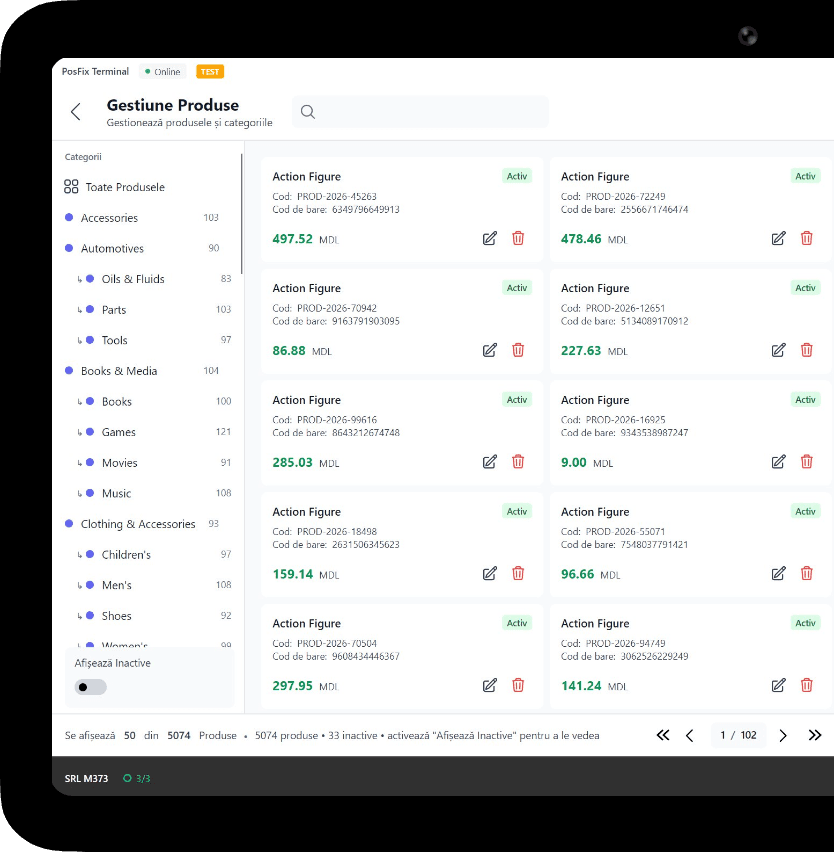
What you use in the practice
1 of 6
Fiscal till
Consultations and treatments are service items, sold with no stock. The receipt goes to SFS at payment, from the Windows or Android till.
You only pay as you grow.
You only pay for what you use.
From 69 MDL/month
up to 1,500 receipts a month; advances also need Inventory management or Accounting software
Start for freeWork out the cost for your businessPick the tiers you need and turn on only the modules you use. No hidden costs, no fixed bundle — you pay as your business grows.
Example modules
Inventory management
+350 MDL/month
Accounting software
+350 MDL/month
HR & payroll
included in Accounting software
Advances and orders at the till
+50 MDL/month
e-Factura
from 150 MDL/month
Frequently asked questions
How do I charge when the amount differs for each patient?
Create a service item such as “Treatment” and use quick price: type the amount, tap the item, take payment. On Android it is the Quick tab. You give the right to the cashiers you choose.
How do I take an advance for lab work?
Put the job in the cart, tap Advance, enter the patient's phone number and the amount. A fiscal receipt comes out. At the end, find the open order and collect the rest with a second receipt. Internet and a cashier permission are required.
Can I bring my price list in from Excel?
Yes. Put the file into the platform, check the new and changed rows, then confirm. Frequent services go on the till at a fixed price, and the others go through quick price.
Can a patient get the receipt by phone?
Yes. At the end of the sale you send it by email or SMS, from the Windows or Android till. It helps when a patient keeps receipts together with other papers.
The POSfix team helps you
Let's launch
your business on POSfix together.
The first 14 days are free, with no contract. We show you how things work, help you set up and stay by your side afterwards.