Industry modules
Flat renovation · Finishing · Interior fit-out
Renovation: advances, materials, estimates by chapter and handing over the job
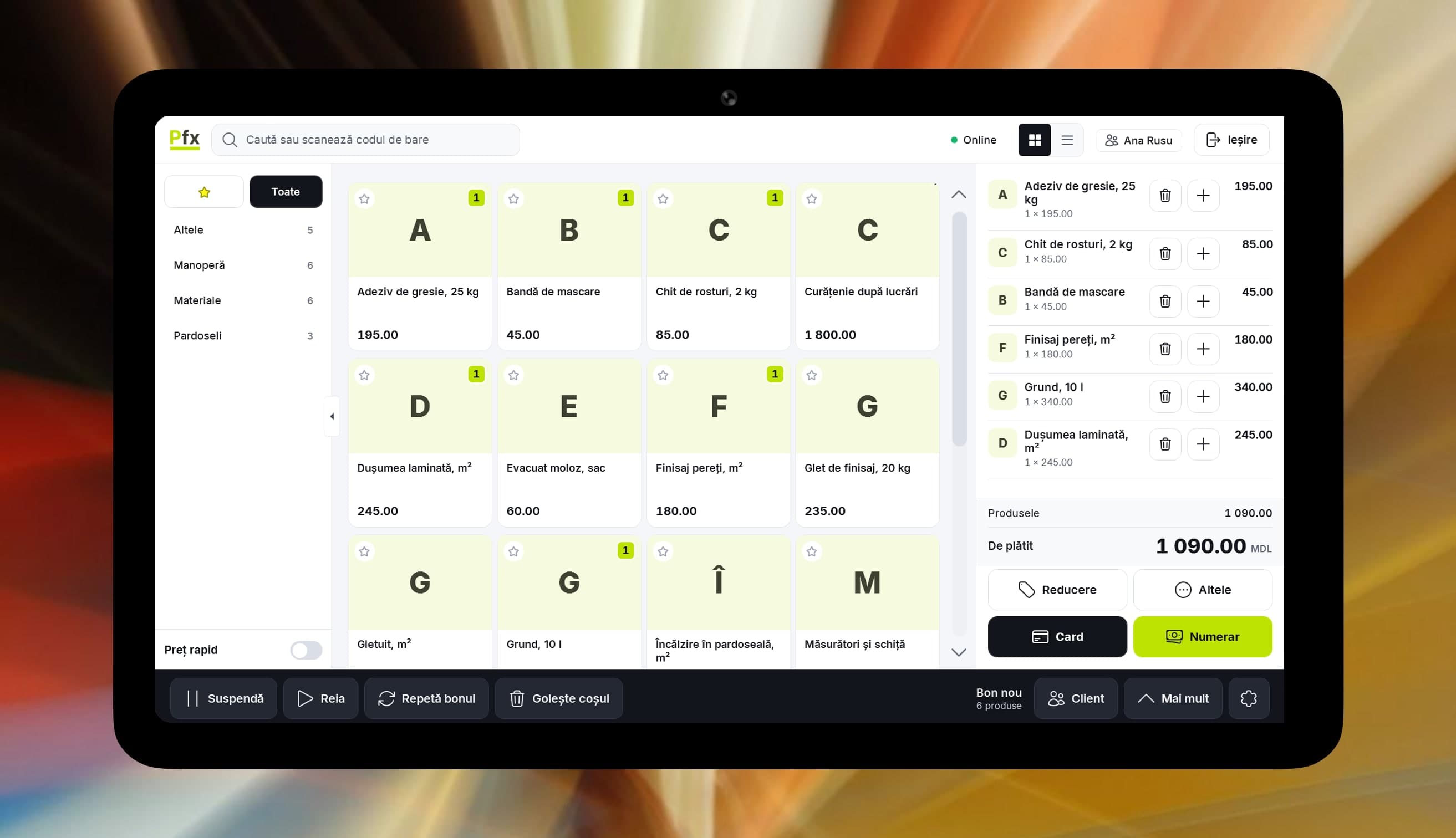
What you sort out between the flat and the materials shop.
The client asks where the money went
In the Construction module, the estimate runs by chapter, from plumbing and wiring to finishes, with lines split into materials and labour. You show it figure by figure.
Paid in stages, and the sums get tangled
You take an advance at the start, with a fiscal receipt. For companies, the work report in the Construction module shows progress since the previous report.
Pipes vanish under the tiles
The hidden works act, in the Construction module, records on the project what was done before plaster or tiles covered it.
Materials you bought go astray
Supplier receipt, transfer to the job's warehouse, write-off for what went into the work, and a stocktake at the end for what is still usable.
Handover ends with forgotten defects
The acceptance report holds the work accepted by chapter and the defects found at handover, each with its deadline for fixing.
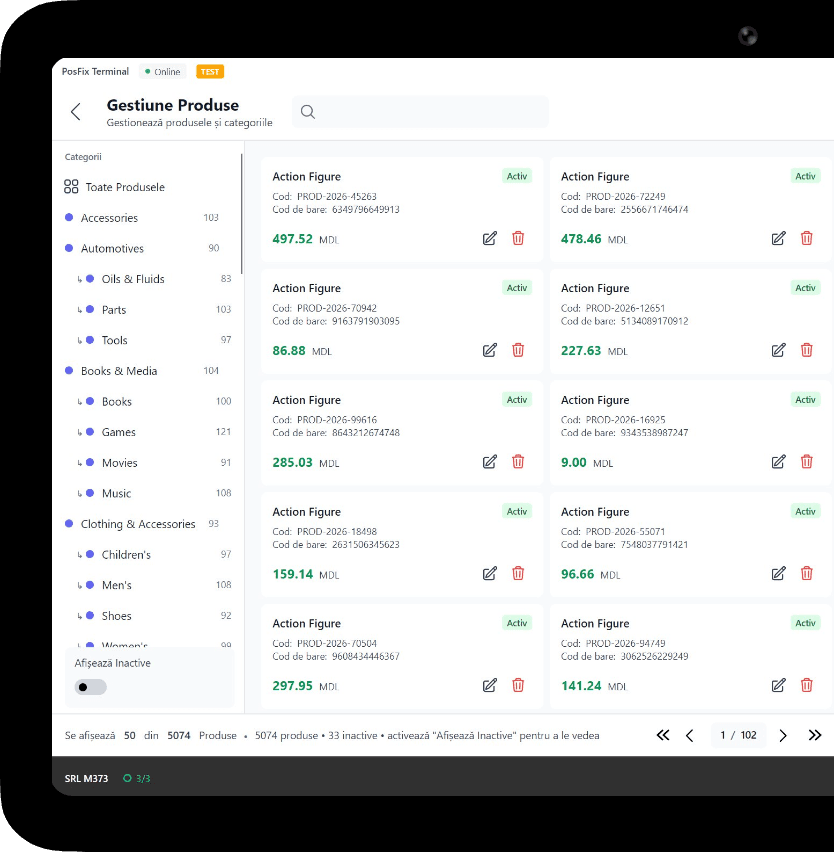
What you use on renovation jobs
1 of 6
Construction
A project for each flat or site, with work reports, hidden works acts and acceptance reports. It needs Accounting software.
You only pay as you grow.
You only pay for what you use.
From 69 MDL/month
the till, up to 1,500 receipts a month; Construction (450 MDL) goes on top of Accounting software (350 MDL)
Start for freeWork out the cost for your businessPick the tiers you need and turn on only the modules you use. No hidden costs, no fixed bundle — you pay as your business grows.
Example modules
Construction
+450 MDL/month
Accounting software
+350 MDL/month
Inventory management
+350 MDL/month
Advances and orders at the till
+50 MDL/month
e-Factura
from 150 MDL/month
CRM
+150 MDL/month
HR & payroll
included in Accounting software
Frequently asked questions
I do small jobs. What do I need to begin with?
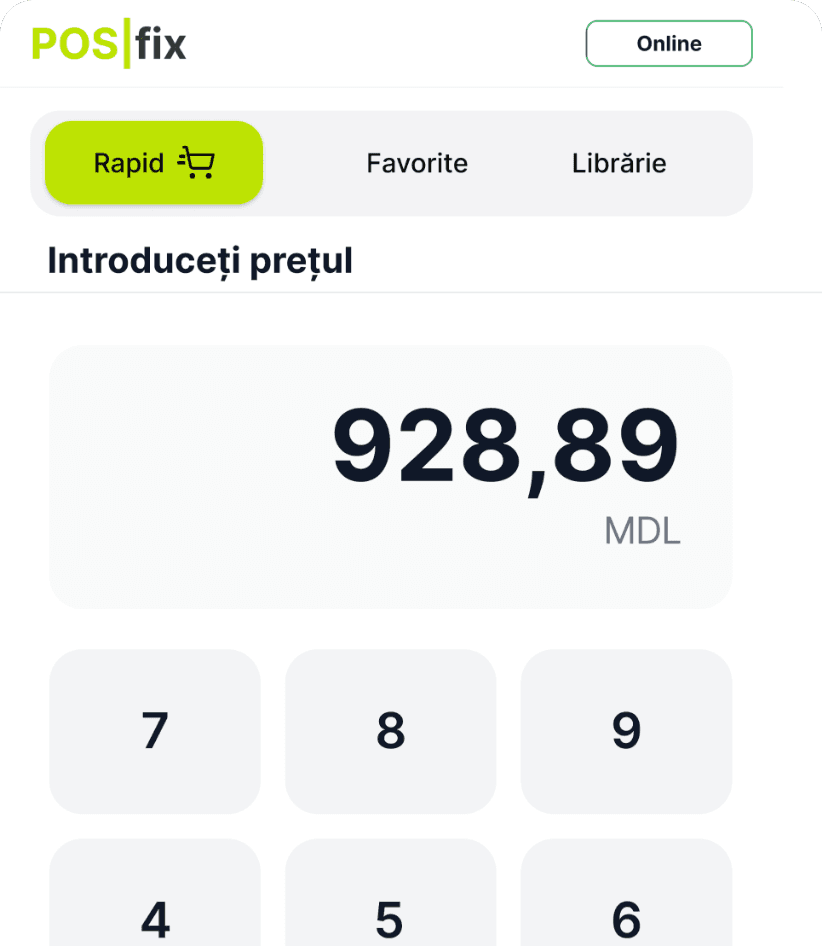
The till: labour is a service item, and you type the amount with quick price. Add Inventory management for materials and invoices. The Construction module helps once you keep estimates and work reports by project.
Can I write the estimate in POSfix?
Yes, in the Construction module, which needs Accounting software. The estimate splits into chapters, and each line has a quantity, unit, price and category: materials, labour, machinery, transport or overheads.
How do I take an advance from the flat's owner?
From the Windows or Android till: put the job in the cart, tap Advance, enter the client's phone number and the amount, and they get a fiscal receipt. You collect the rest from open orders with a second receipt. Internet is required, and so is the cashier's right to do it.
How do I keep materials per job?
Set up a warehouse for the job, transfer the materials there, and write off what went into the work. The warehouse balance shows what is left to use or move to the next job.
The POSfix team helps you
Let's launch
your business on POSfix together.
The first 14 days are free, with no contract. We show you how things work, help you set up and stay by your side afterwards.