Fiscal POS
Fiscal POS for your business
Accept payments, issue fiscal receipts and send the data to the SFS automatically — all in one system.
Advantages
Why businesses choose us
Instant fiscal receipt
The fiscal receipt is issued and reaches the SFS at the moment of sale.
Receipt by email or SMS
The customer gets the receipt by email or SMS, with a link to the receipt registered with the SFS.
Multi-platform
Runs on a Windows computer, on Android phones and tablets and on Android terminals with a printer — no fiscal printer needed.
Multiple cashiers
Set roles and permissions for every employee. Full history of operations per cashier.
Mixed payment
Cash, card and meal vouchers on the same receipt — on the Windows till.
Reporting
Detailed reports on sales, revenue and best-selling products in real time.
How it works
Simple, fast, reliable.
- 1
Sign-up and setup
Create your account yourself and add products by hand or from Excel; the first 14 days are free.
- 2
Connecting to the SFS
We register the till with the SFS together — usually within a few working days.
- 3
Start selling
Take cash, card and, on Android, MIA QR payments; the customer gets a printed receipt or one by email or SMS.
- 4
Reports
Sales appear in the panel in real time, and the Z report can be closed automatically on the till.
Instant fiscal receipts
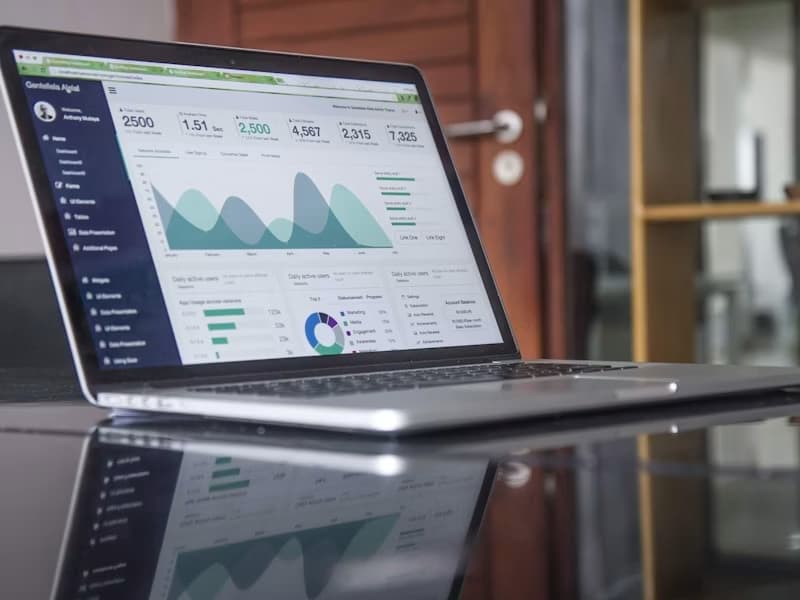
The fiscal receipt is generated automatically at the moment of sale and sent to the SFS straight away. The buyer gets the electronic receipt by email or phone — no paper, fast and reliable.

Use cases
Who it is for
Retail stores
Ideal for supermarkets, boutiques and specialist shops with a steady flow of customers.
Restaurants and cafés
Fast payment for guests, management of tables and kitchen orders.
Service companies
Payment documents for services: beauty salons, car repair shops, medical practices.
Delivery and takeaway
Takeaway orders and those delivered by your own courier go through the same till and get a fiscal receipt.
Markets and fairs
A mobile cash register on a smartphone for itinerant trade, not tied to one place.
Franchises
One system for a network of points of sale, managed centrally.
Questions and answers
Frequently asked questions
Is an electronic cash register mandatory by law?
For most businesses that take money from customers, yes: the Tax Code requires cash and control equipment registered with the SFS and connected to the electronic sales monitoring system, and taking payments without it where it is required is fined. If you're not sure whether your activity falls under the obligation, ask us.
How long does connecting to the SFS take?
We fiscalise the till together: we help you at every step, and it usually takes a few working days. Once registered, the till issues receipts right away and every receipt reaches the SFS at the moment of sale.
Does the till work without internet?
Not for fiscal receipts: the POSfix till sends every receipt to the SFS at the moment of payment, so it needs internet (Wi-Fi, cable or mobile data). Without a connection you can search products and prepare the cart, but the receipt is issued only once the connection is back. The Z report, sending receipts by email or SMS and QR payments also need internet.
Can I use the equipment I already have?
In most cases, yes. The app runs on Android phones and tablets, on PAX, Sunmi and Senraise terminals and on computers with Windows 10 or 11, and the Windows till works with receipt printers, barcode scanners, electronic scales and cash drawers.
The POSfix team helps you
Let's launch
your business on POSfix together.
The first 14 days are free, with no contract. We show you how things work, help you set up and stay by your side afterwards.