Industry modules
Spa · Massage · Relaxation treatments
A spa with a fiscal receipt for every treatment and its retail creams on record
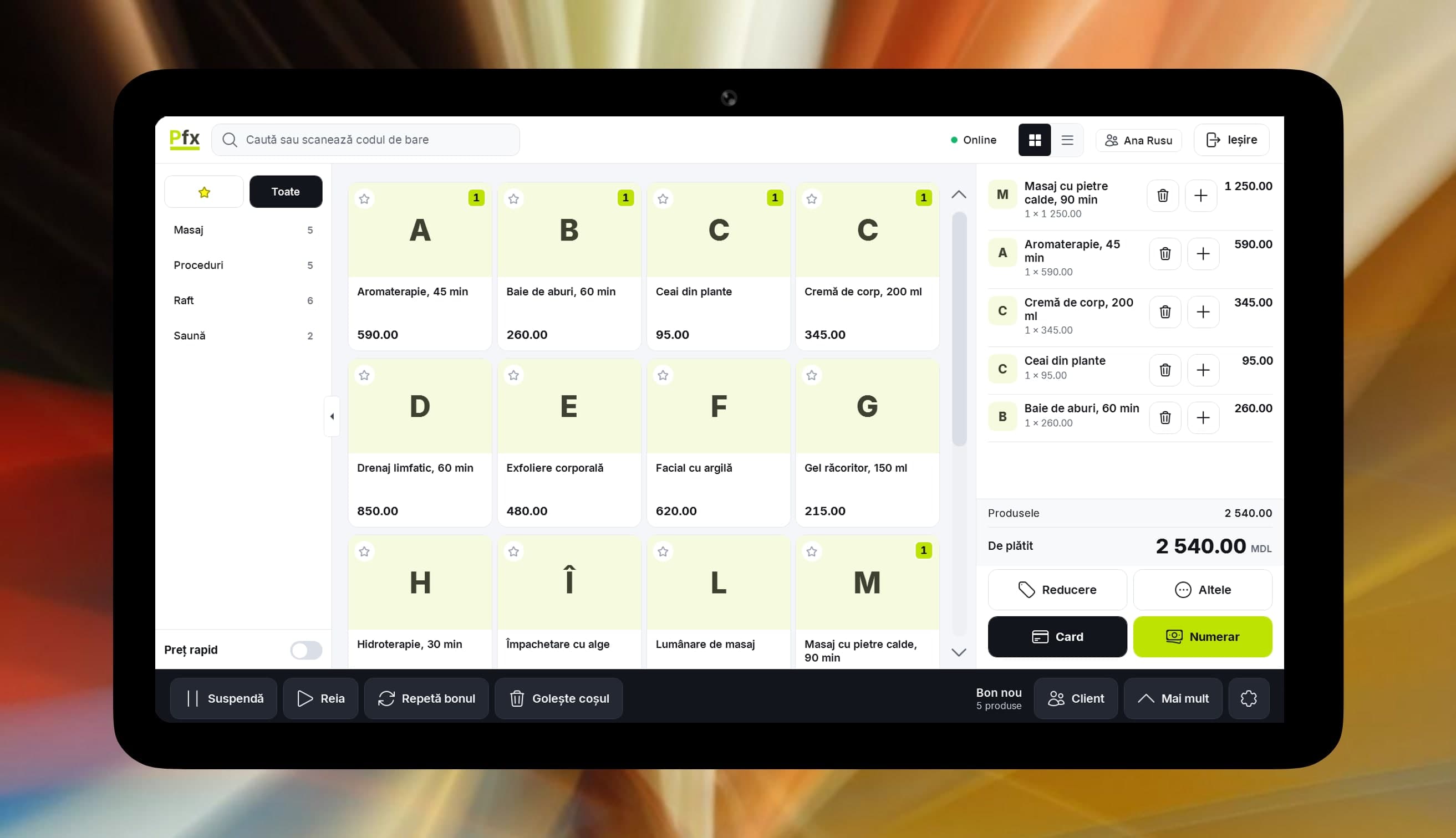
What you sort out at the spa's front desk.
An expensive treatment, paid two ways
Part by card, the rest in cash: the till takes a split payment and issues one receipt.
She wants the cream from the treatment
Add the cream to the treatment’s receipt, and stock drops by the product sold. The client leaves with one document.
Oils and creams have a shelf life
Mark them perishable, with a shelf life in days. Batches that expire first go out first, and a daily email digest shows what is getting close.
A company pays for its team
You issue the company invoice from the platform, with Inventory management or Accounting software. The one sent through e-Factura you sign in the SFS portal.
A regular wants a reason to return
Loyalty tiers give a discount on the card, and the bonus in lei they collect can be used on the next visit.
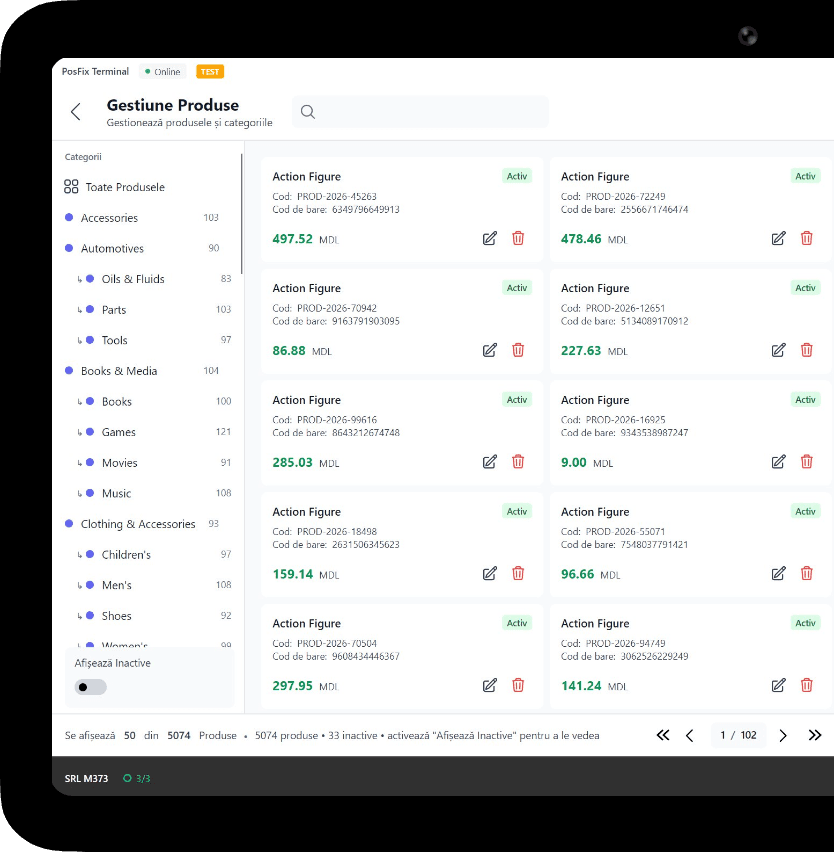
What you use in a spa
1 of 6
Fiscal POS
Each treatment is a service item with its own price. The receipt goes to SFS at payment, and the client can get it by email or SMS.
You only pay as you grow.
You only pay for what you use.
From 69 MDL/month
up to 1,500 receipts a month
Start for freeWork out the cost for your businessPick the tiers you need and turn on only the modules you use. No hidden costs, no fixed bundle — you pay as your business grows.
Example modules
Inventory management
+350 MDL/month
Loyalty
+150 MDL/month
e-Factura
from 150 MDL/month
Accounting software
+350 MDL/month
HR & payroll
included in Accounting software
CRM
+150 MDL/month
Frequently asked questions
How do I set up treatments on the till?
Each treatment is a service item, say “60-minute massage”, with its price and its card on screen. Pick it, add the shelf cream if the client takes it, and take payment.
How do I follow expiry dates on oils and creams?
Mark them perishable and enter the shelf life in days, and the expiry date is worked out from the production date. The expiring batches screen shows ahead of time what to use first.
A company buys treatments for its team. How do I invoice it?
The invoice leaves from the platform, at the price on the company’s list if you agreed on another. The e-Factura module sends it, and you sign in the SFS portal.
Can I see which treatments get asked for most?
Yes. The product report shows sales of each treatment and cream, and the hourly report shows when reception is busy, so you can place therapists at the right hours.
The POSfix team helps you
Let's launch
your business on POSfix together.
The first 14 days are free, with no contract. We show you how things work, help you set up and stay by your side afterwards.