Industry modules
Cosmetics · Perfumery · Household chemicals
Cosmetics and household goods: see what expires, which shade is left, what to order
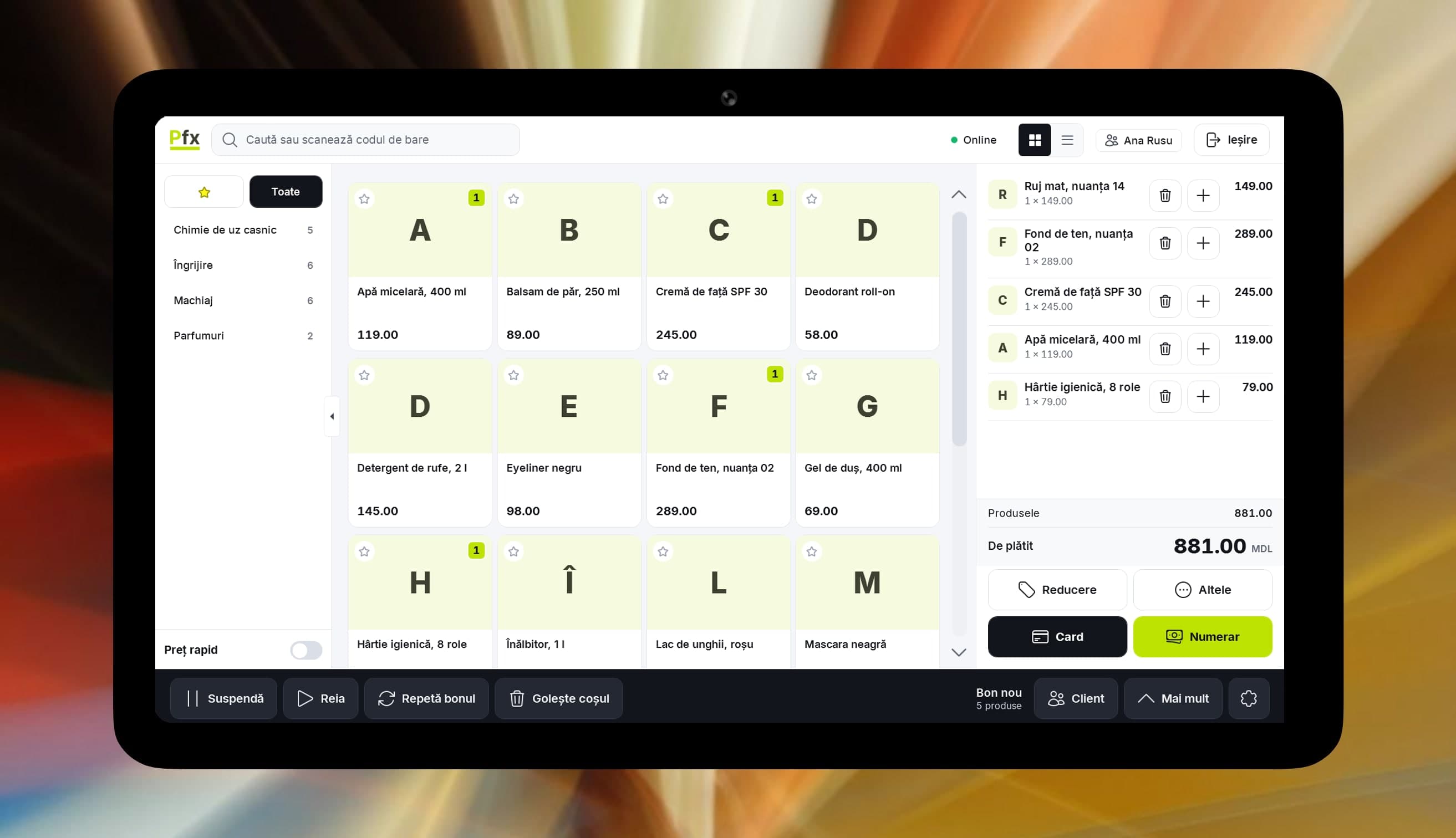
What slips between shelf and counter.
Ten lipstick shades on one shelf
Each shade is an item with its own code, and attributes show in the balances which tones you still have. The till gets exactly the shade scanned.
Expired cream found at stocktake
Enter the shelf life in days on the item card and expiry is worked out from the production date. Whatever is getting close shows on its own screen.
Broken bottles still counted in the balance
Take them out with a write-off and its reason, so the balance shows only what you can still sell.
The shampoo deal, worked out on a calculator
A “buy … get …” rule set in the panel applies by itself at the till and shows on the receipt. No more sums at the counter.
Salons want an invoice and their own price
Put them on a price list and the invoice picks up their price by itself. The shopper at the shelf keeps the regular one.
Out of detergent, the order left yesterday
The “What to order” list weighs daily sales and minimum stock, so everything missing gets into one supplier order.
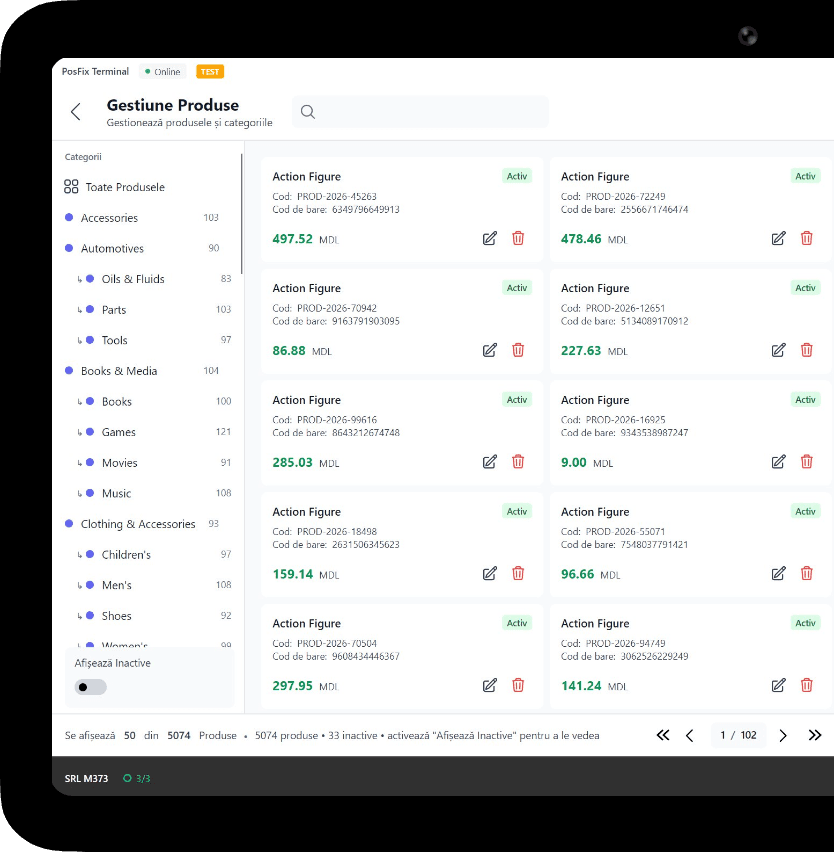
What you use for cosmetics and household goods
1 of 6
Fiscal POS
Find the product by barcode, name or article number. Payment by cash, card or MIA QR, and the receipt can go out by email.
You only pay as you grow.
You only pay for what you use.
From 69 MDL/month
up to 1,500 receipts a month; over 50 items or 2 cashiers costs extra
Start for freeWork out the cost for your businessPick the tiers you need and turn on only the modules you use. No hidden costs, no fixed bundle — you pay as your business grows.
Example modules
Inventory management
+350 MDL/month
Accounting software
+350 MDL/month
Loyalty
+150 MDL/month
CRM
+150 MDL/month
e-Factura
from 150 MDL/month
HR & payroll
included in Accounting software
Frequently asked questions
How do I keep lipstick shades in the system?
Each shade has its own card and its own barcode. You define attributes such as tone or volume, and they filter the balances. The cashier scans the shade the customer asked for.
How do I find out what is close to expiry?
From the batches-close-to-expiry screen and the daily email digest, with Inventory management. At sale, the records take out the batches that expire soonest.
How do I recognize a regular at the till?
Scan the card on her phone or find her by phone number. The POS shows her bonus and rewards, and she decides whether to use them now.
Can I sell to salons at a different price from the shelf?
Yes. Price lists work by customer, by group or above a purchased volume. For the invoice you need Inventory management or Accounting software, and to send it through e-Factura, the e-Factura module.
The POSfix team helps you
Let's launch
your business on POSfix together.
The first 14 days are free, with no contract. We show you how things work, help you set up and stay by your side afterwards.