Card and MIA QR payments
Customers pay their way. The receipt follows.
Card on the till’s phone, at the bank terminal, or MIA QR from any banking app: the till waits for payment confirmation and issues the fiscal receipt.
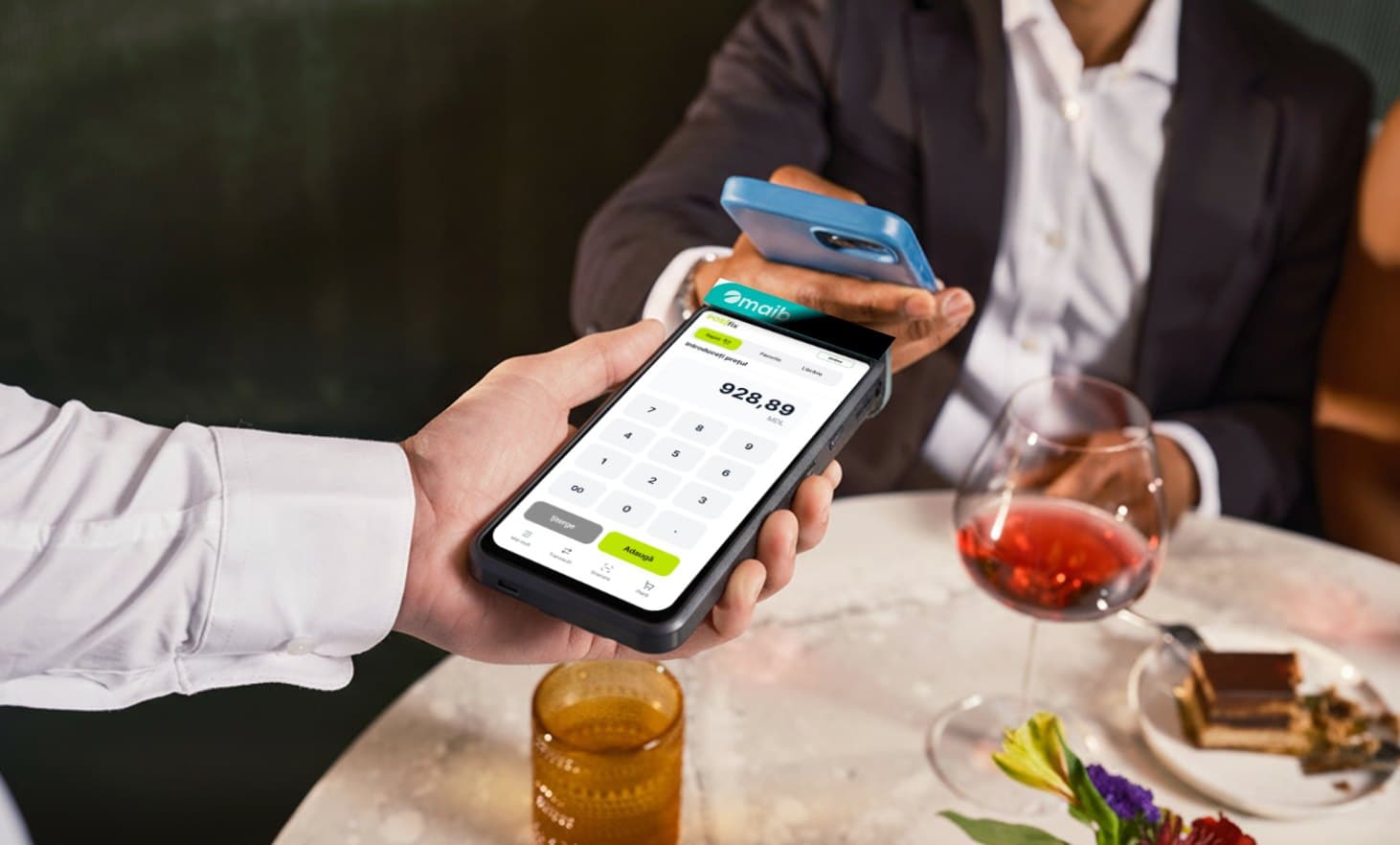
Every way to pay, on the same receipt.
Your phone becomes a card terminal
With TapXphone, the customer taps their card on the till’s phone or tablet, no separate terminal needed. Our team sets up the link after your agreement with the bank.
The bank terminal, linked to the till
On the Windows till, the amount goes to the card terminal by itself; on PAX and Sunmi Android terminals, the till and the card reader are the same device. The receipt is issued once the payment goes through.
MIA QR at the till
The till shows the QR code, the customer pays from any banking app, and the receipt is issued after confirmation.
Payment link from the panel
From an invoice or a payment request you send the customer a link or a MIA QR code, and the payment lands in your bank records by itself.
Split payment
Part in cash, the rest by card, on the same receipt.
A separate, unlinked terminal
If the bank terminal isn’t linked to the till, you mark the card payment on the till and the receipt comes out right.
Partner banks
- MAMAIB
- MIMICB
 Victoriabank
- OTPOTP Bank
- QWQIWI
- All banks →
How to start
Three steps to the first payment.
The bank agreement
For cards, the terminal from your bank; for MIA QR, the account the payments go into.
We link payments to the till
You set MIA QR up in the panel, for each till; our team connects the card terminal and phone payments.
Take payments
The receipt is issued once the payment is confirmed and reaches the SFS at the moment of sale.
FAQ
About payments
Can I take card payments right on my phone?
Yes. With TapXphone, the till’s Android phone or tablet takes card payments without a separate terminal. Our team sets up the link after your agreement with the bank.
What is a MIA QR payment?
MIA is Moldova’s instant payment system. The till shows a QR code, the customer scans it with their banking app and pays on the spot, and the fiscal receipt is issued once the bank confirms the payment.
I already have a card terminal from my bank. Can I use it?
Yes. Linked to the Windows till, the amount goes to the terminal by itself. If it stays separate, you mark on the till that the payment was by card, and the receipt comes out right.
How do I refund a QR payment?
From the till, by whoever has the refund right (the manager by default): in full on Windows, also in part on Android. With banks that don’t allow automatic refunds, the money goes back from the bank’s portal.
The POSfix team helps you
Let's launch
your business on POSfix together.
The first 14 days are free, with no contract. We show you how things work, help you set up and stay by your side afterwards.