HoReCa · Restaurant
We help the dining room, the kitchen and the till work in step.
Take the order at the table, send it to the kitchen, split the bill when guests ask and issue the fiscal receipt, while the ingredients come off the stock by recipe.

Flexible solutions your restaurant can use from day one.
Open a bill on a table, at the till or in the waiter app, add the dishes and issue the receipt when guests are ready to pay. Takeaway and delivery orders work the same way and go into the stock and the reports like any sale.
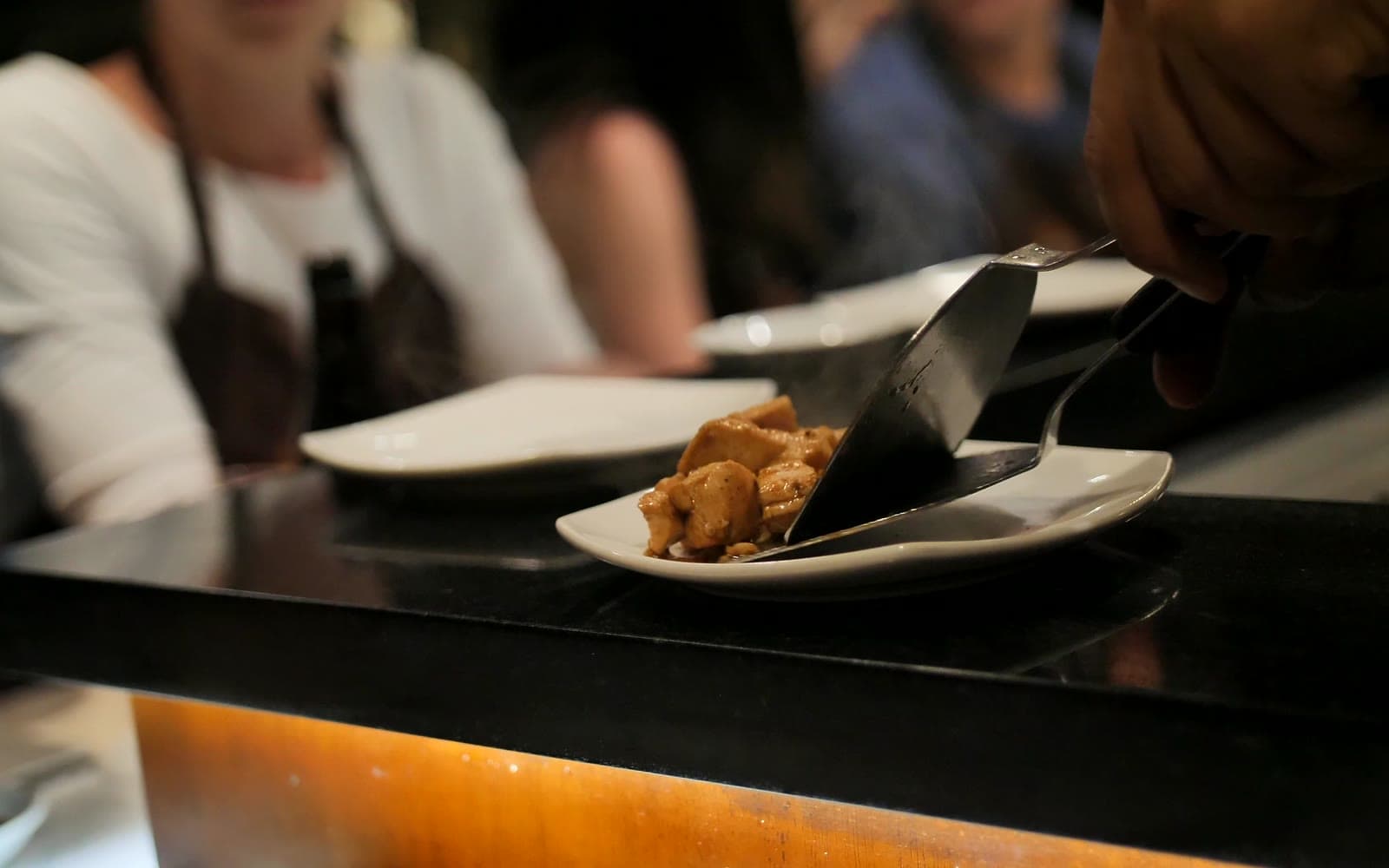
Split the bill by guest or by item in a few taps, so everyone pays only for what they ordered.

With every dish sold, the stock module takes off the ingredients by recipe, so you can see what has been used and what needs ordering.
See sales by day, week and month, your most popular dishes, how each cashier is doing and every transaction, so you know where your time and money are best spent.

Claim your company profile on POSfix for free and add your logo, menu, contacts, opening hours and social media. The page shows up on Google and works as your website.
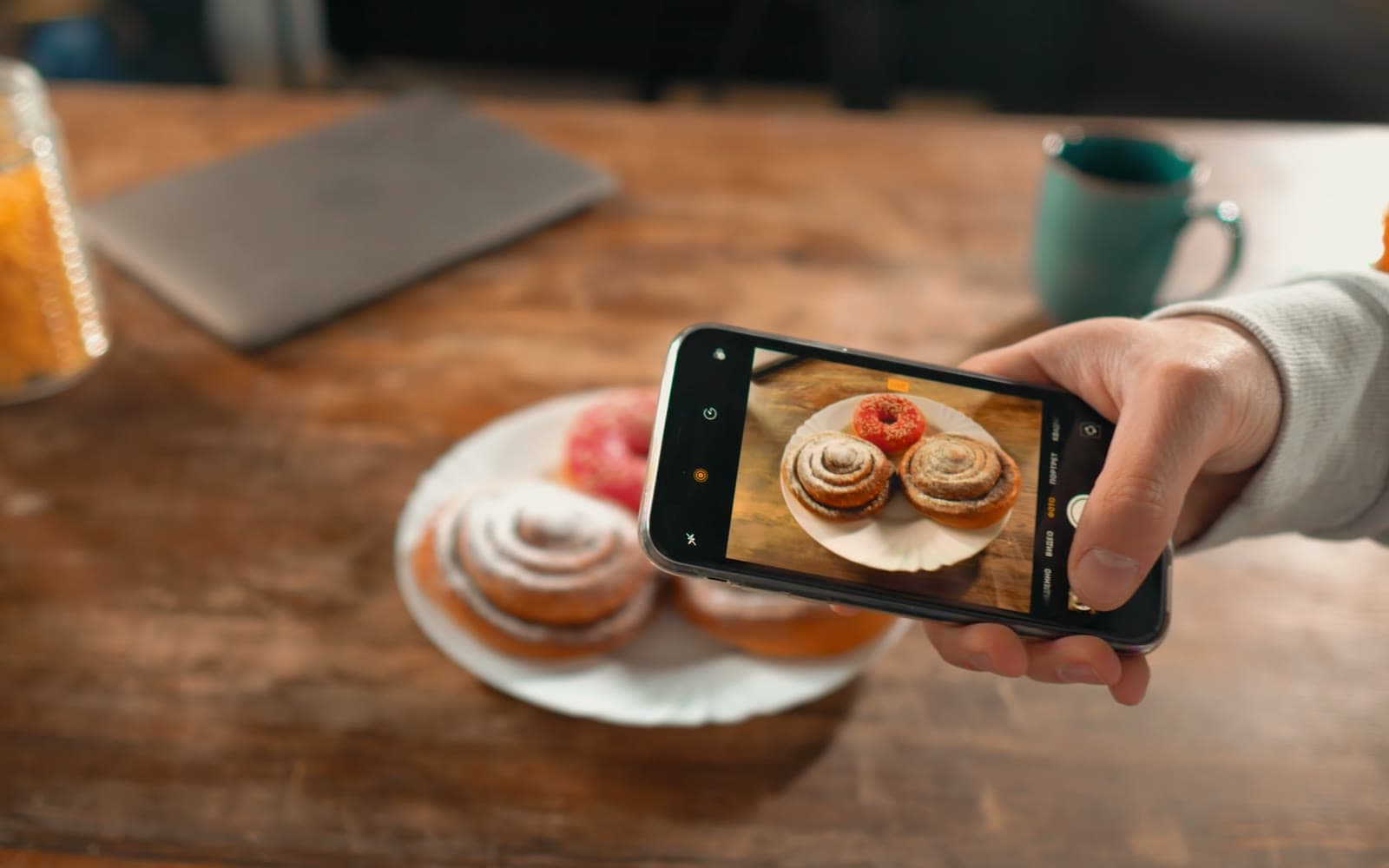
Give them a loyalty card in Apple or Google Wallet that collects a bonus with every visit, and prepare personal offers that bring them back more often.

From69MDL/month
You pay only for what you use.
- A till registered with the SFS
- Basic setup in about 30 minutes
- Local support, Mon–Fri, 9:00–18:00
The right equipment for your restaurant
Frequently asked questions
Can I use POSfix on a phone, tablet or POS terminal?
Yes. The POSfix till runs on Android phones and tablets, on Android terminals with a printer and on Windows computers.
Do I need a separate cash register?
No. The POSfix apps for Windows and Android are registered by the SFS as cash registers and send every receipt to the sales monitoring system (MEV). You need neither another device nor a fiscal printer.
How long does it take to install the app?
Installing the app and its basic setup take about 30 minutes.
What do I need to start issuing receipts?
Besides the app, the law asks for a few steps before the first sale: the contract with the bank, paying the CTIF and registering the cash register (ECC) with the SFS. We guide you through each one, so you start the right way.
Does it work with the bank’s terminal?
Yes. On the Windows till the amount goes straight to the card terminal, and on PAX and Sunmi Android terminals the till and the card reader are the same device; the receipt is issued once the payment goes through. We work with maib, MICB, Victoriabank, OTP Bank and QIWI.