Retail · Minimarket
In a minimarket, prices are the same on every till, and in the evening you see what each cashier took.
Scan the barcode and the item is on the receipt, each cashier works on their own till, and in the evening you see how much each one took and what to order for tomorrow.
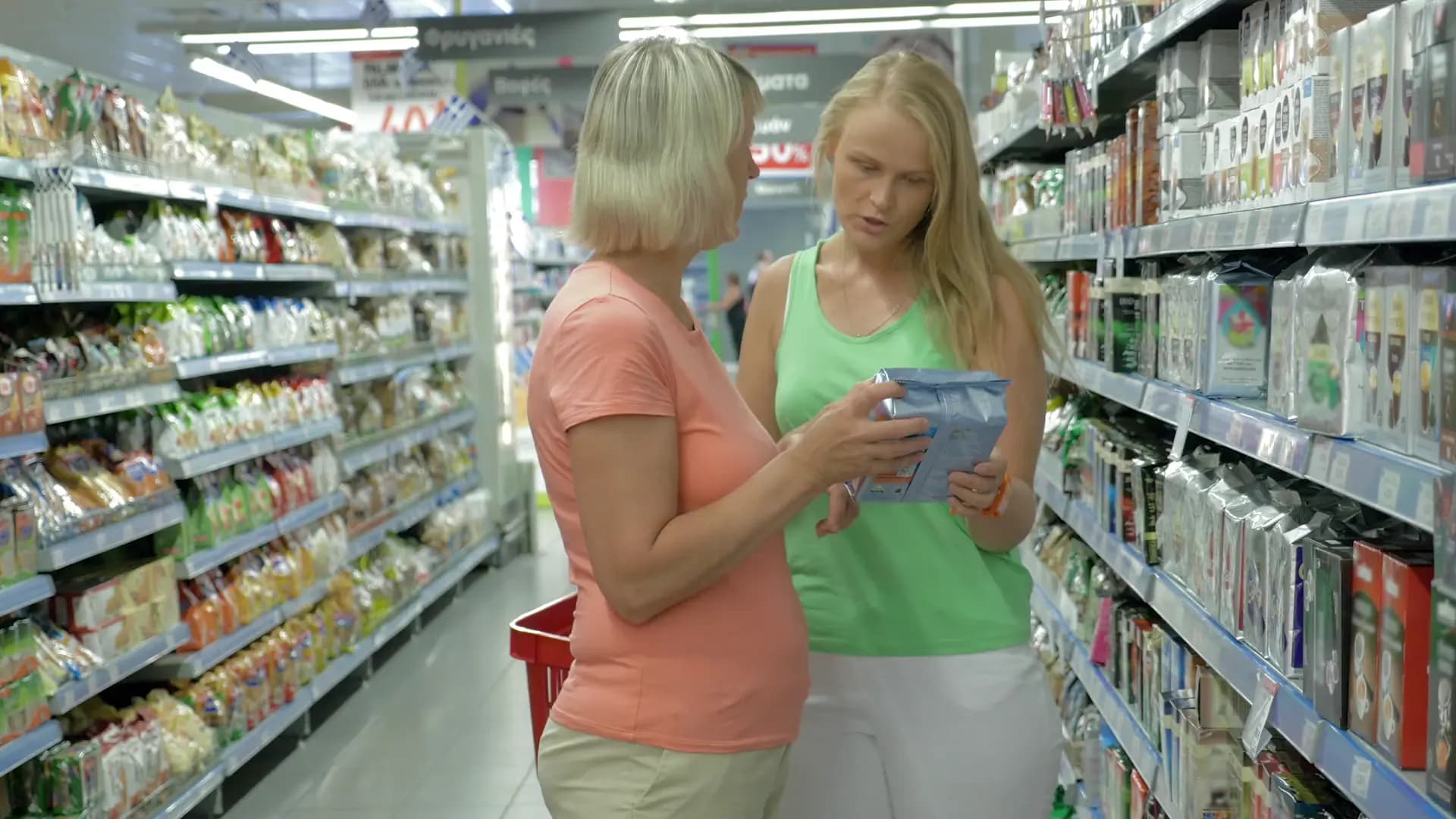
Flexible solutions you can use from day one in your minimarket.
Scan the barcode and the item is on the receipt. Items without a code are found by name or article number, and the receipt goes to SFS at payment.
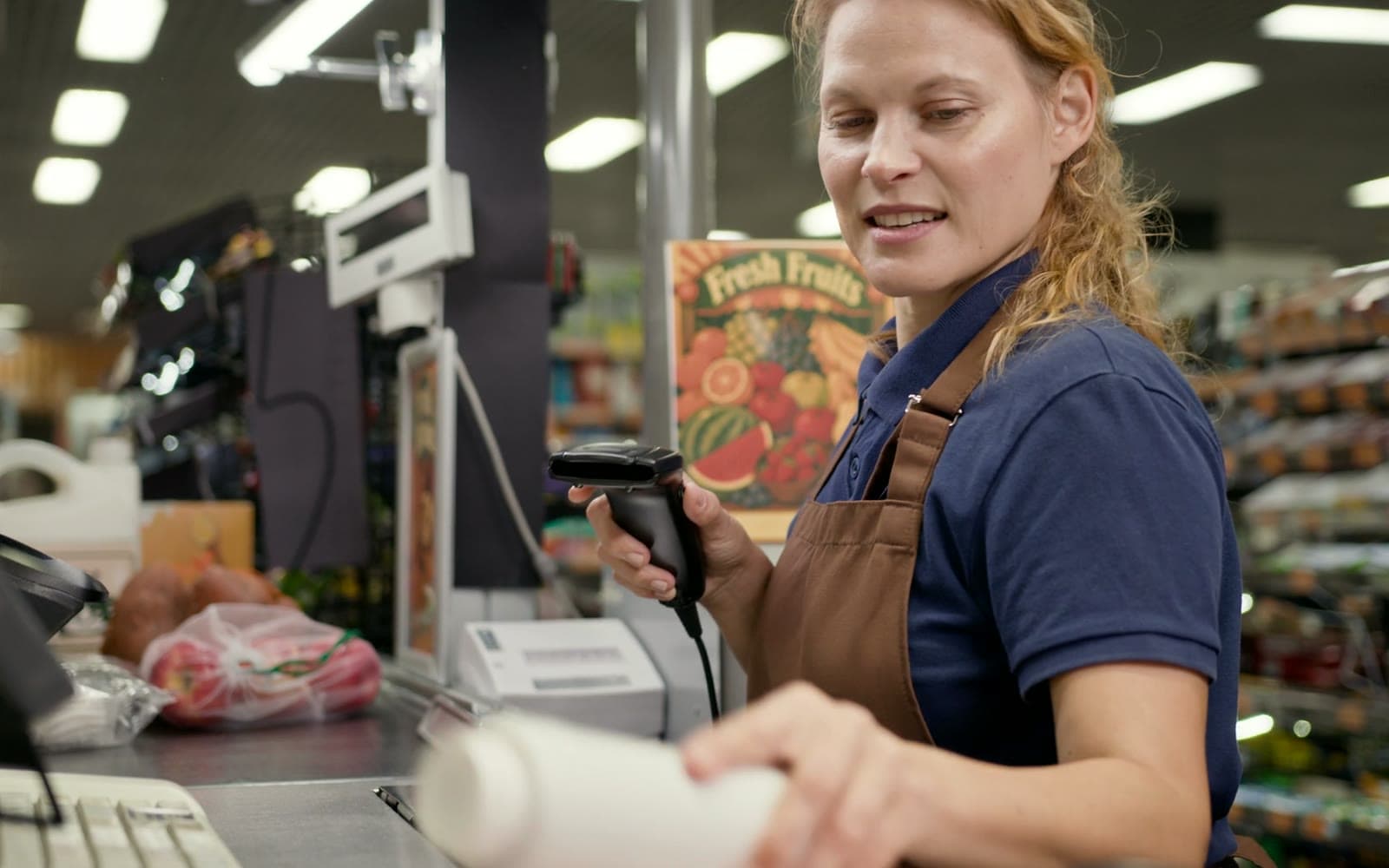
Sales by cashier show who took how much, and in the panel you decide what your cashiers are allowed to do.
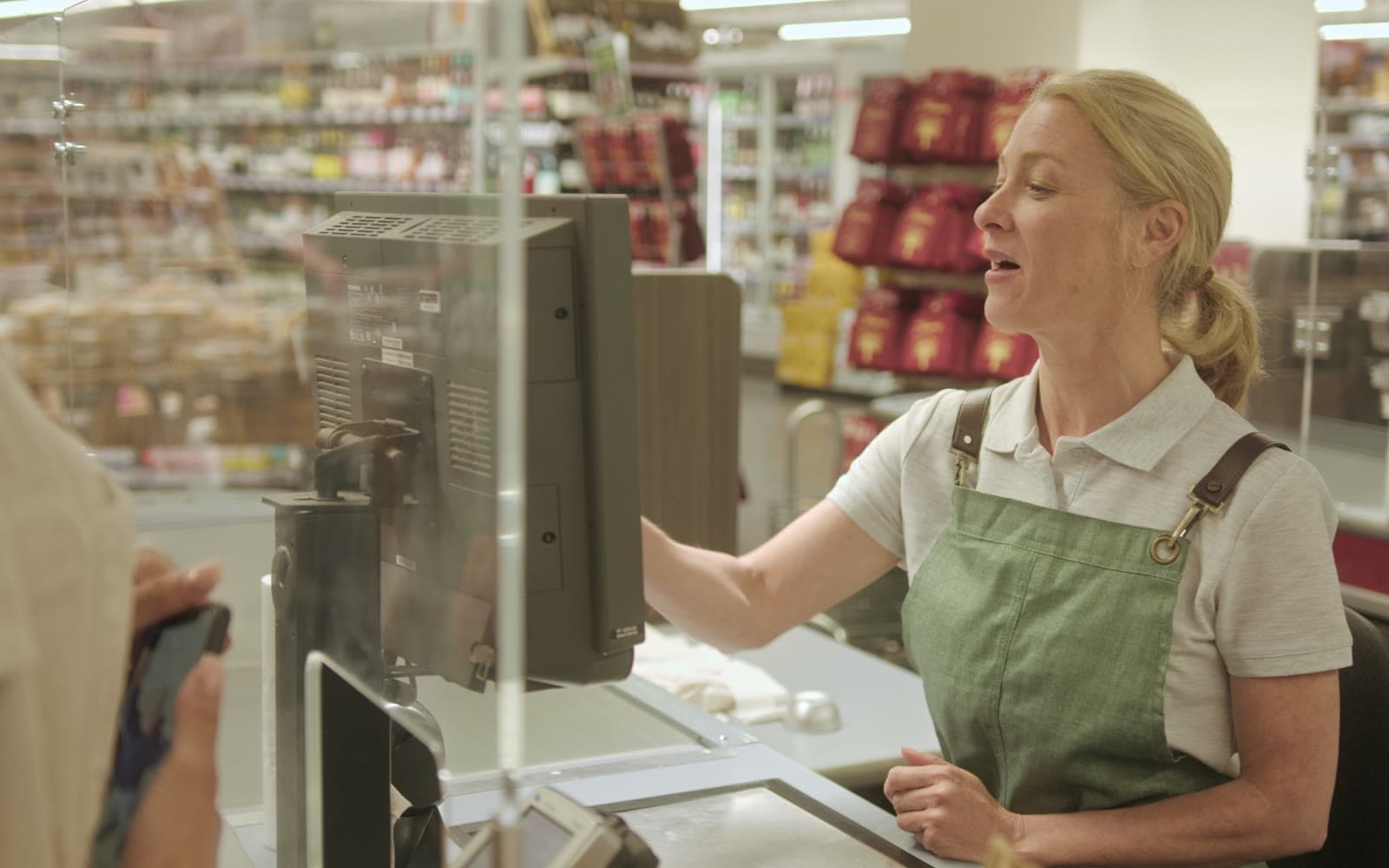
Upload the invoices in a batch, check each one’s card, and the lines are matched to your product list without typing them line by line.
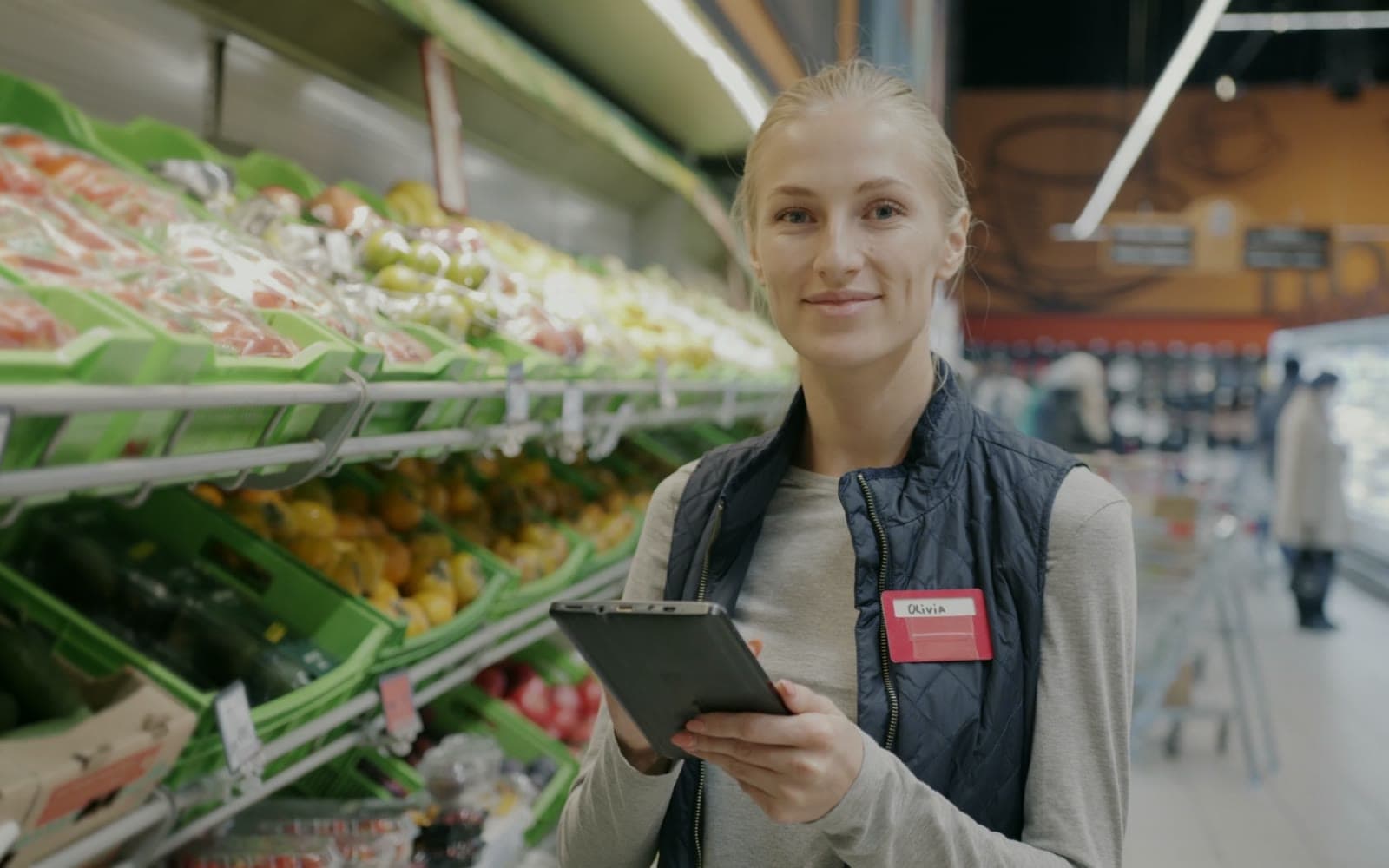
The batches-close-to-expiry screen and a daily email digest tell you what to move first. Stock goes out from the batches that expire soonest.
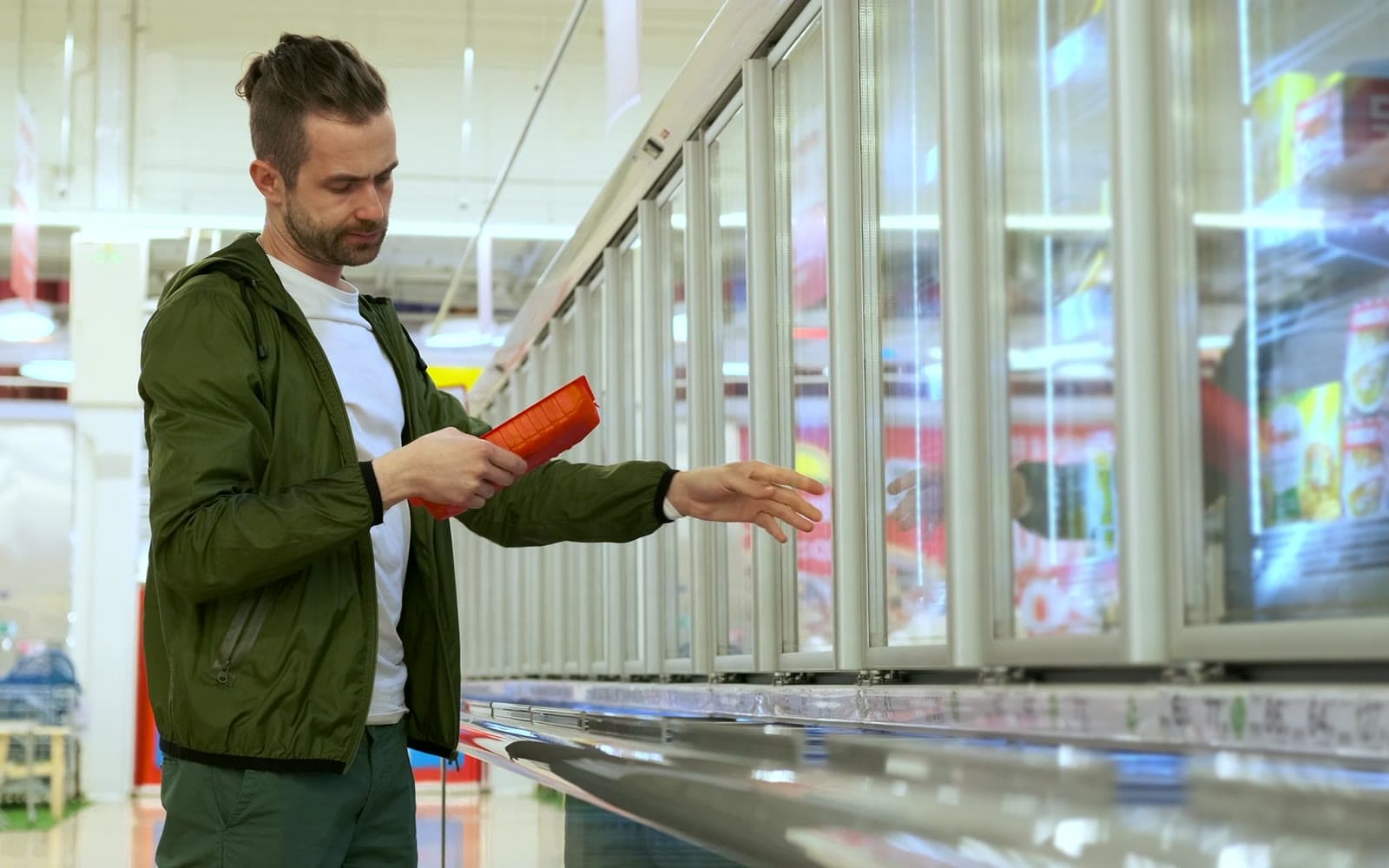
The “What to order” list works from daily sales, minimum stock and what is already on order, so you see it before the shelf runs empty.
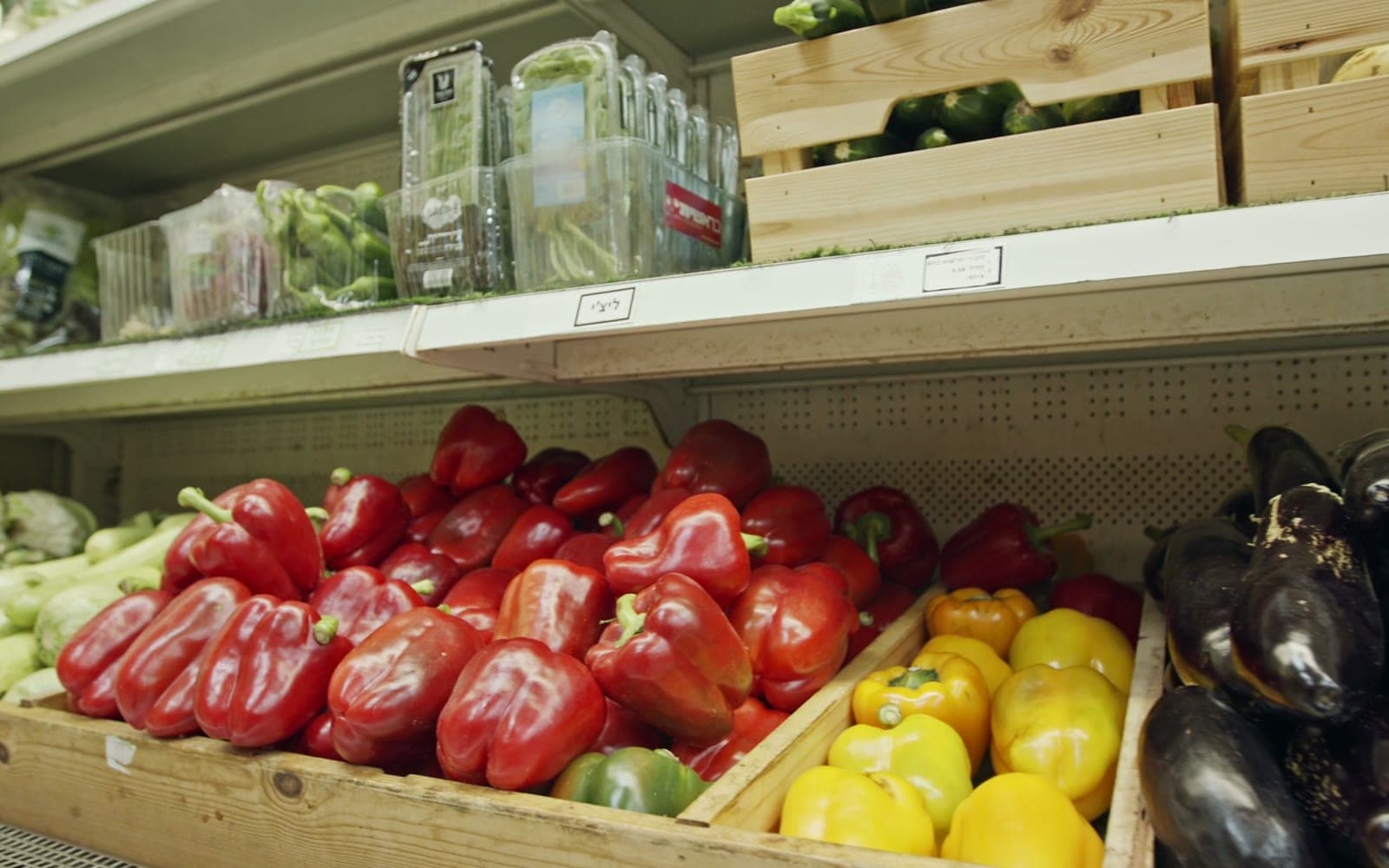
Set a discount on a category that starts at a given hour. The POS applies it by itself, so the cashier has nothing to remember.

Give them a loyalty card in Apple or Google Wallet that collects a bonus in lei with every purchase. At the till you scan the card or find the customer by phone number.
From69MDL/month
You pay only for what you use.
- A till registered with the SFS
- Basic setup in about 30 minutes
- Local support, Mon–Fri, 9:00–18:00
The right equipment for your minimarket
Frequently asked questions
How do I know in time which goods are expiring?
In the morning, open the batches-close-to-expiry screen or read the email digest, both with Inventory management. What should move faster goes to the front or on discount.
What backup internet do I need at the till?
The receipt goes to SFS at payment, so selling resumes when the connection is back. Keep a second connection handy, for example from a phone.
How do goods from e-Factura enter stock?
The invoice you receive becomes a draft supplier invoice. Tick that it includes the goods receipt if the stock comes in on it, or link it to goods receipts you have already made.
What do I need to start issuing receipts?
Besides the app, the law asks for a few steps before the first sale: the contract with the bank, paying the CTIF and registering the cash register (ECC) with the SFS. We guide you through each one, so you start the right way.