Retail · Auto parts
Software for auto parts shops: find a part by its code and know how many are left
In POSfix for auto parts, the seller looks a part up by its code and sees right away how many are in each warehouse. Receipts, invoices for garages and e-Factura come from the same program, and the books are kept from those documents.
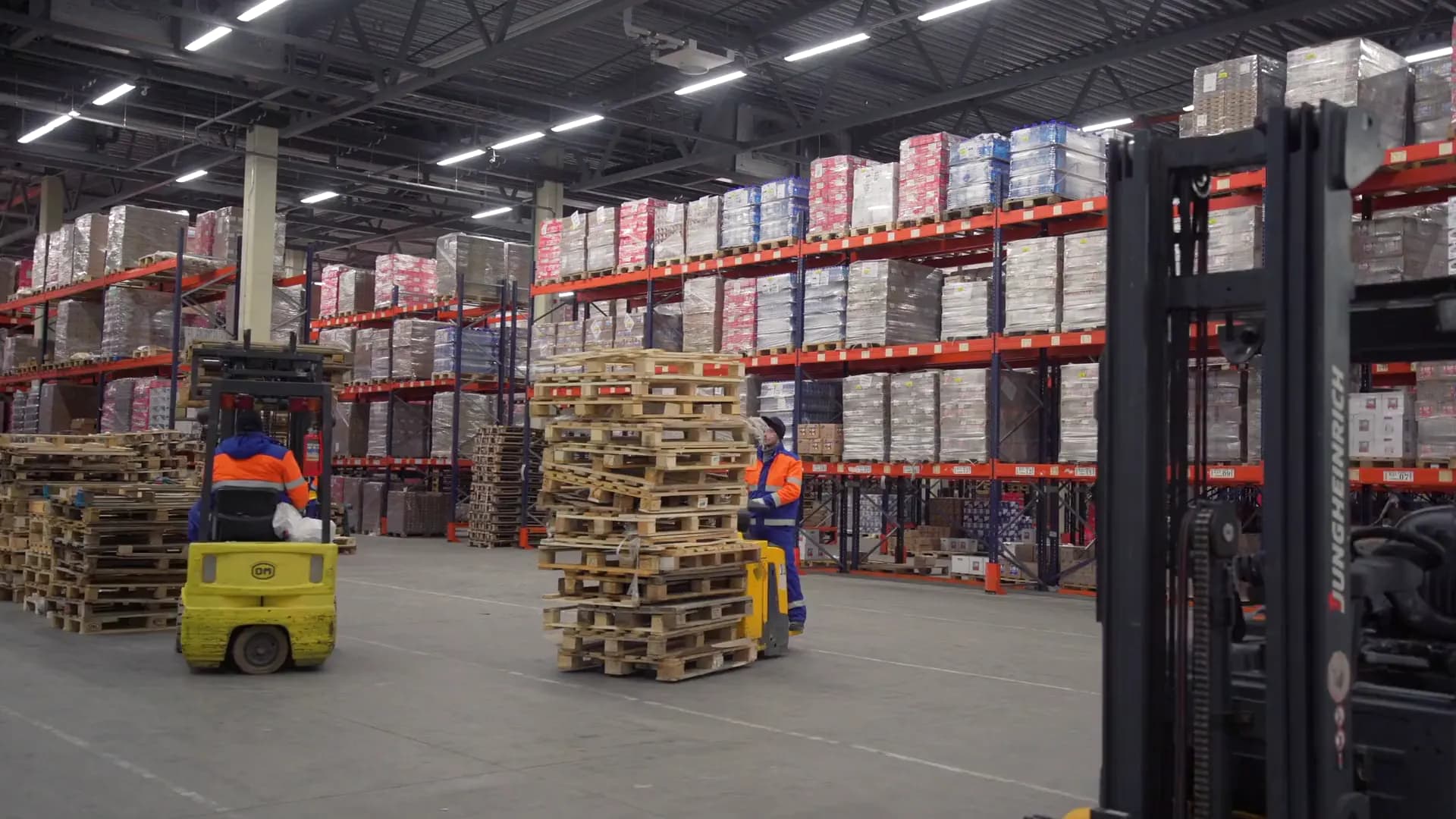
What gets solved in a parts shop from day one.
Search by code, barcode or name and see the stock in each warehouse right away. A catalogue with thousands of items comes in from Excel.
Price lists keep the terms of each garage or fleet company, and the invoice picks the right price by itself.

The same sale gets a fiscal receipt for the walk-in customer or an invoice for a company. With the e-Factura module, the invoice goes to the SFS without retyping it in the portal.

A supplier invoice can come in as a photo or PDF: POSfix reads the lines, and you link them to the parts in your catalogue.

The “What to order” list shows what is running out at the current pace of sales and builds the supplier order.

From69MDL/month
You pay only for what you use.
- A till registered with the SFS
- Basic setup in about 30 minutes
- Local support, Mon–Fri, 9:00–18:00
The right equipment for your parts shop
Frequently asked questions
Can I bring my parts catalogue from Excel or 1C?
Yes. You upload the catalogue from Excel, see what will be added and what will change, then confirm. Opening balances come from 1C, and the POSfix team checks the import with you.
Does it work with several warehouses or shops?
Yes. Each warehouse has its own stock, transfers between warehouses are documented, and at the till the seller sees how many parts are in each one.
Can I sell with both a receipt and an invoice?
Yes. Walk-in customers get a fiscal receipt from the till, and companies get an invoice which, with the e-Factura module, you send to the SFS.
How do I run a stock count?
You count the parts with a scanner or a phone, and POSfix shows the differences against the records and creates the stock count document.
Can my accountant work in the same account?
Yes. You invite them to the team with the Accountant role and they work on the same documents, with no file exports. You decide what they see and what they can change.